Transcription Volunteers
Below are the links to our Template and to
the Census Page Images. If you have problems or questions let me know Sue@WiseCountyTexas.info
Step 1: Click here for our Excel template for the 1940 census. Save this file to your desktop or some other folder as 'ED number and Page number'. Come back here the next time you need a fresh template.
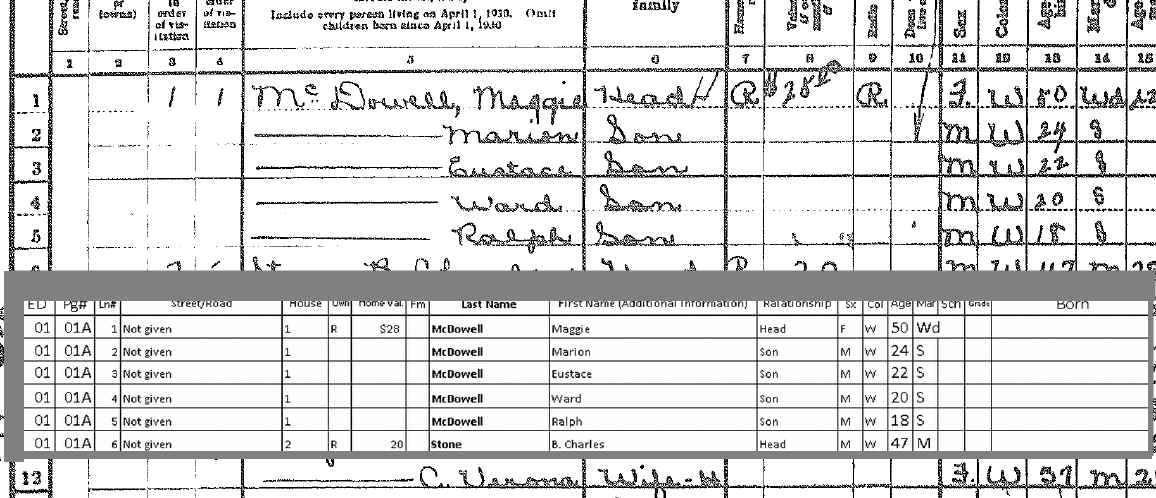
Step 2: Click here for images of the census pages. (Coming soon) The best way to transcribe is to have your image of the census page large in the background and your Excel file small on top of it. You can use the Excel file like a ruler guide. It will look something like the picture below -
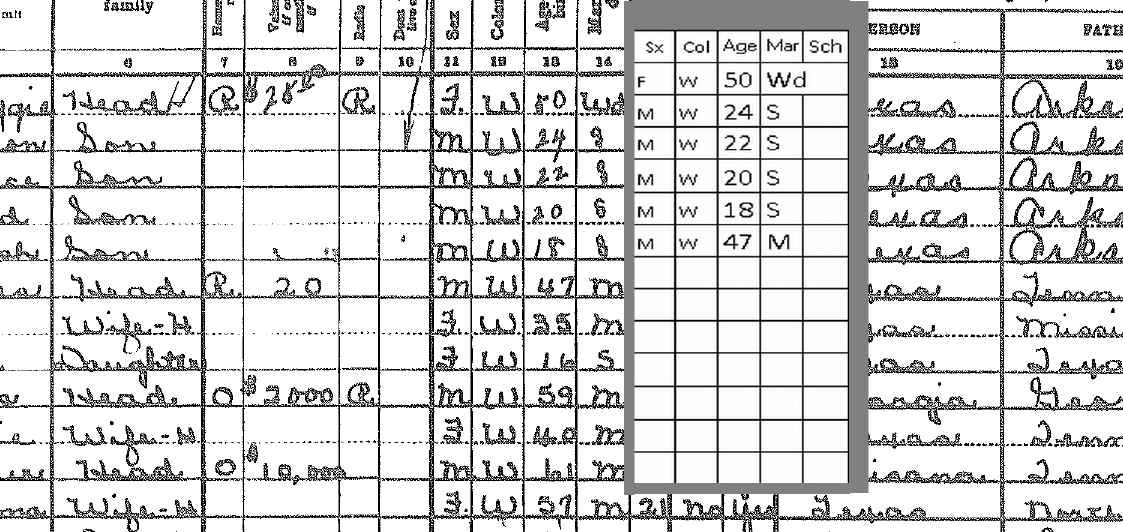
Or use the Excel file on the side and go down columns -
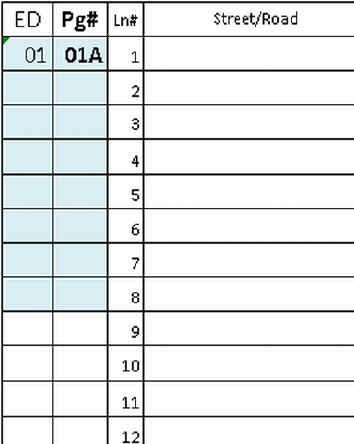
One of the best tools in using Excel is the 'Copy Down'. When you have long columns of the same information, type it once, highlight those cells and the ones below, and hit Control+D to copy down. See picture below -
Step 3: Check to see if you can find some of the people in our data links on the template. If you can find families you will know your names are correct and it may help you with spelling. Add any extra information you find in parenthesis. This research is what makes our data better than most census transcriptions.
Step 4: Email your page in Sue@WiseCountyTexas.info and we'll put it up on the web pages as tables under each ED. When we get several pages, we'll start an 'all names index'.
REMEMBER - THERE IS NO HURRY TO GET THESE PAGES FINISHED. TAKE YOUR TIME. JUST DO WHAT YOU CAN AT YOUR OWN SPEED. IF YOU NEED HELP LET US KNOW.